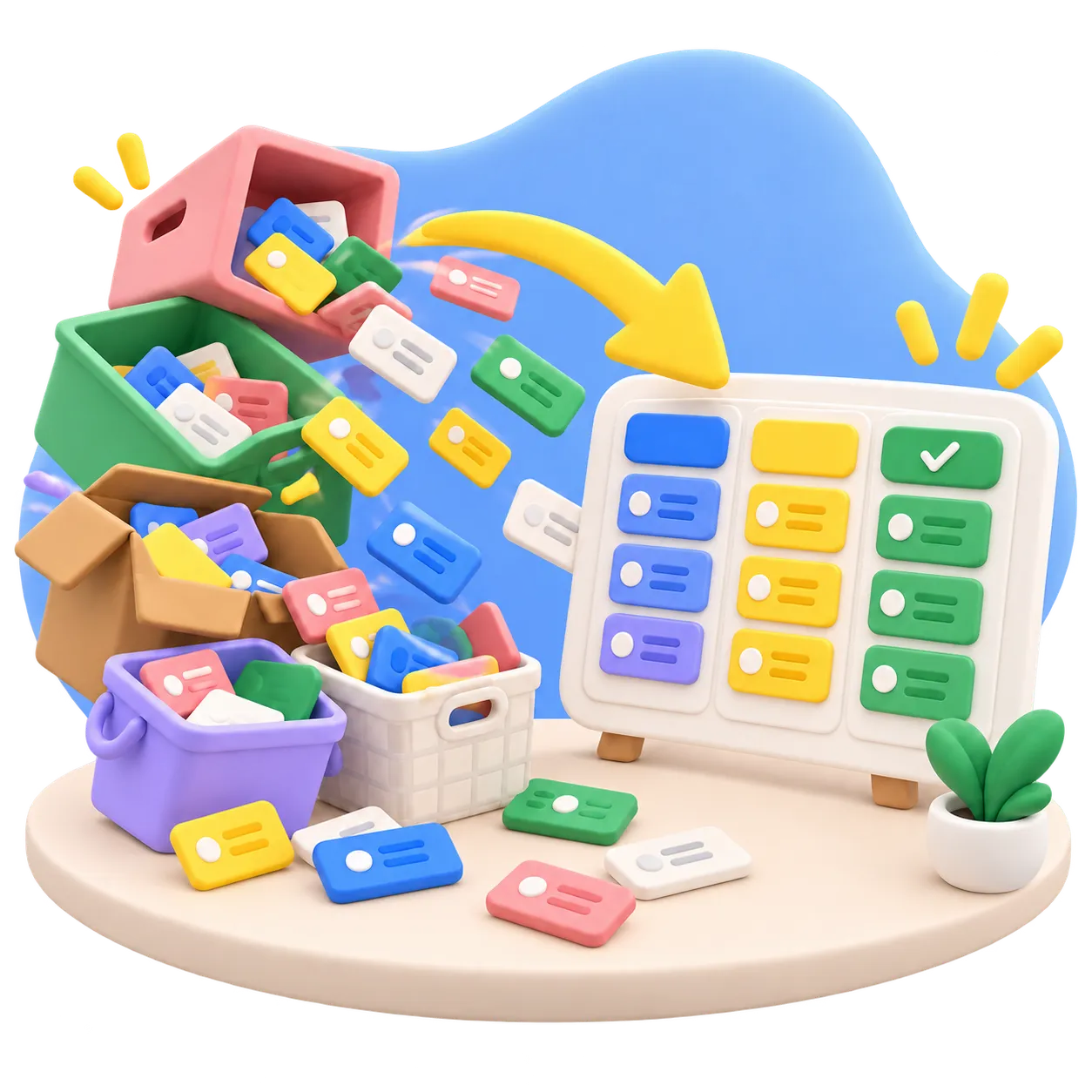
Start with a proven method.

A template sets up a project's types, workflows, fields, labels and filters in one step, and hands your agents the method as skills they follow. Manager comes with templates for many kinds of work, and whatever one sets up stays yours to change.
Set up in one step.

A whole method in one template

A template creates work item types with their statuses, custom fields, labels and shared filters. It also adds skills: the instructions your agents follow to work the method.

The method lives in the project

Skills reach every connected agent over MCP, not through your prompt. Ask for the flow check or the postmortem, and the agent works the steps the template lays down.

See it before you pick

The Template step of a new project previews exactly what will be created: types, statuses with WIP limits, fields, labels, skills and filters. No guessing from a name.

Yours to change afterward

A template applies once, when the project is created. From then on its setup is ordinary settings: rename statuses, add fields, edit or delete the skills.

Borrow a type any time

Need an Incident or a Risk type in a running project? Import from Template adds just the types you tick, with statuses and fields, and overwrites nothing.

Save your own

Shaped a project you like? Save it as a template, skills and filters included, and everyone in your organization can start from it. Admins choose the default.

A growing set of templates.

They ship with Manager and are updated with it, so your next project starts from the latest version while running projects keep their own setup. Each card leads to a guide that puts the template to work.

Let your agent set it up.

Your agent reads the whole catalogue over MCP, with everything each template seeds, and creates the project from the one that fits. With the admin role, it also adapts the setup and borrows types from other templates.

Say to your agentManager: List the project templates and tell me which one fits a security review program, then create the project with the key SEC.

The agent compares what each template seeds, names the best fit and why, and creates the project from it, with types, fields, labels and skills in place.

Say to your agentManager: Create a project called Payments Rewrite with the key PAY from the Kanban template.

The project starts with Backlog through Done, WIP limits of 5 and 3, the Expedite and Blocked labels and two flow skills. The agent gets the full setup back, ready for the first stories.

Say to your agentManager: Add the Incident type from the Incident Response template to this project, and show me what would change first.

A dry run lists what would be added and what skipped. On your go-ahead the type arrives with its seven statuses and three fields, and nothing you have is touched.

Say to your agentManager: Our team finishes three cards at a time. Set the In Progress limit to 3 on every type and update the flow-check skill to match.

It changes the limit on each type's In Progress status and rewrites the numbers in the skill, in one call that leaves everything else as it was.

What is in a template.

Everything a template carries, and what you can do with it before and after.

What a template sets up

  • Work item types, their hierarchy and the default type
  • Statuses per type, with colors and WIP limits
  • Custom fields, points scale and description template
  • Labels and shared saved filters
  • Skills that carry the method to your agents
  • Scripts, inactive until an admin approves them

Choosing and creating

  • A Template step in every new project
  • A preview of everything it will create
  • Default preselected, set per organization
  • Or by name, from your agent over MCP
  • Never copies items, pages, files or members

After creation

  • Every type, status, field and label editable
  • Seeded skills edited or deleted like any other
  • Import types from any template, nothing overwritten
  • Rename an imported type to keep both
  • A repeated import adds nothing twice

The catalogue

  • Built-in templates for many kinds of work
  • Built-in templates updated along with Manager
  • Save any project as a template
  • Skills, filters and scripts included, secrets left out
  • Your own templates, shared across your organization
  • Admins set the default and remove custom ones

See it at work.

Guides that put this feature to work in a real project.

The method without the setup.

Pick a template, check the preview and create the project, by hand or through your agent. Shape it until it fits, then save it as a template of your own, so the next project starts where this one ended up.

Get early access