Import an existing project.
Your project already exists: in a spreadsheet, another tool, a folder of documents or a pile of notes. Bring it into Manager as it is and carry on from there, without typing it all in again.
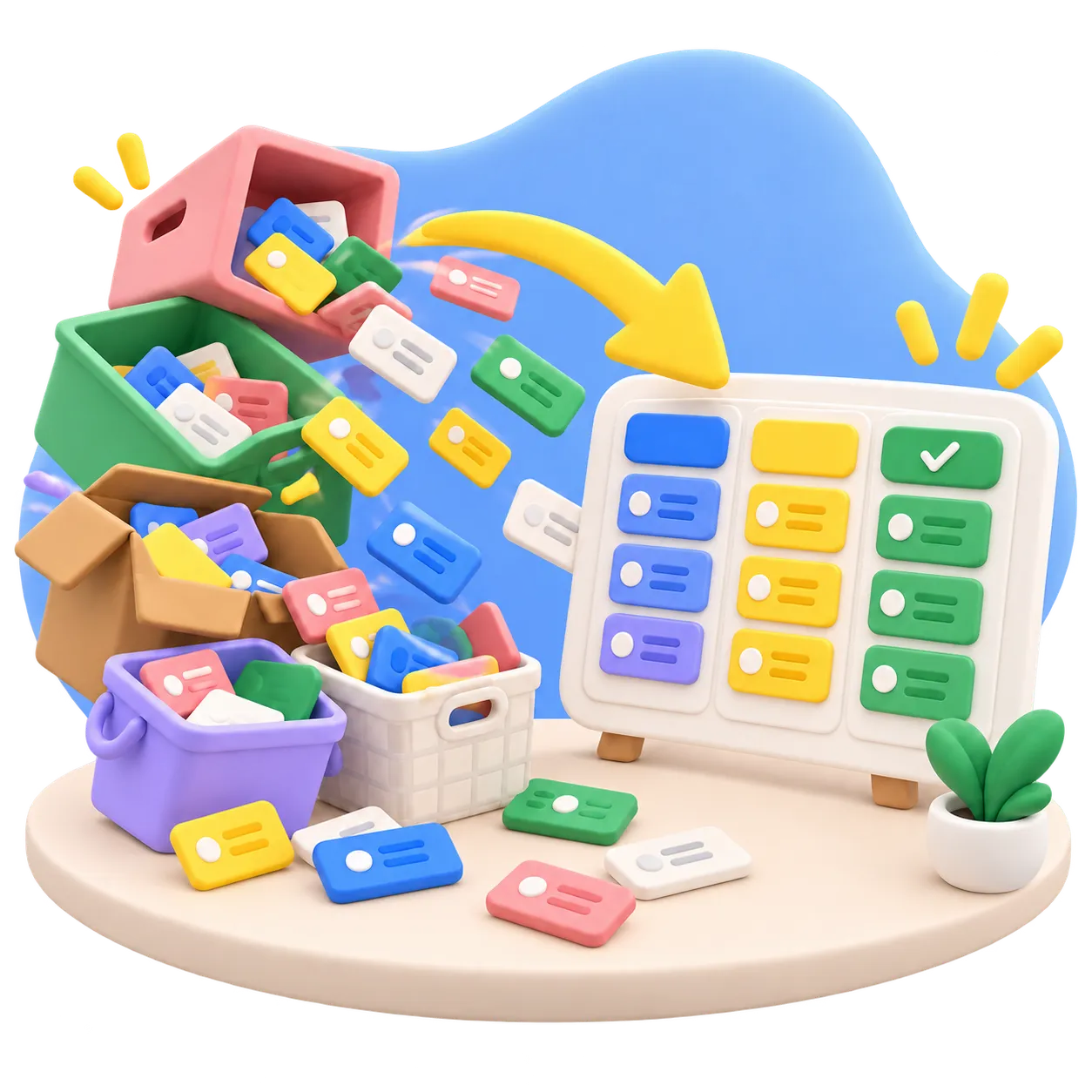
Your project already exists: in a spreadsheet, another tool, a folder of documents or a pile of notes. Bring it into Manager as it is and carry on from there, without typing it all in again.
A CSV from a spreadsheet or another tool becomes work items. Manager previews every row and flags anything it cannot read before anything is created.
Word files, PDFs, Markdown and HTML become wiki pages, split into chapters along their headings. You check the split before it is applied.
For anything without a clean export, your agent does the move over MCP: it reads notes, mails or another tool's API and rebuilds the project, hierarchy included.
Export from the tool you use now, collect the spreadsheets and documents, and note where the rest lives.
Pick a template whose types and statuses come closest to how you already work. You can adjust them afterwards. Moving from another Manager installation? A project archive restores the whole project in one go.
Say to your agentManager: Create a project from the template closest to how we work in our current tool.
Import the CSV: Manager reads title, type, status and priority and shows how it maps your columns. If the columns do not fit, let your agent reshape the file, or have it create the items straight from the source.
Say to your agentManager: Create items from my export and keep each row's status, priority and parent.
Import documents into the wiki and upload files to the project, attached to the items they belong to.
Say to your agentManager: Import my documents into the wiki and attach the other files to the tasks they belong to.
Look through the result, fix what did not come across cleanly, and let your agent sort items under their parents and link what belongs together.
Say to your agentManager: Sort the imported tasks under their goals and link the ones that belong together.
Switch on the PM agent, connect your agents, and pick up where you left off.
Say to your agentManager: Show me where we left off and what should come next.
Tables, documents, files and whatever else you have come into one place, so switching does not mean starting over.
Get early access