Upload once. Use it everywhere.
Every project keeps its files right beside its work items, wiki and milestones. Preview almost anything in the browser, attach one file wherever it belongs, and let your agents sort, read and attach over MCP.

Every project keeps its files right beside its work items, wiki and milestones. Preview almost anything in the browser, attach one file wherever it belongs, and let your agents sort, read and attach over MCP.
Images, video, audio, PDFs, Office documents, CSV tables, code and 3D models open right in the browser. Archives open like folders, and any single entry downloads on its own.
Attach the same file to work items, wiki pages and milestones. Nothing is copied: there is one file, one stored copy and one place to correct it.
Files go up in resumable pieces while you keep working anywhere in Manager. A dropped connection costs one piece, and dropped folders keep their structure.
Keep files in Manager, or put the bytes in a server directory, an S3-compatible bucket, SharePoint or OneDrive. The explorer looks the same whichever store holds them.
An agent creates a single-use upload link for one folder. Whoever holds it sends the file with one command, and it can land attached to the right task.
Nest folders as deep as you like and pin favorites. Sort by name, date or size, group by folder, type, month or year. Recently used brings back this morning's files.
Over MCP your agent works with files under the same roles as you: it lists folders, reads images and text, renames, moves and attaches. To bring a new file in, it hands you an upload link.
Say to your agentManager: Sort the unfiled PDFs into a new folder called Contracts.
The agent creates the folder and moves the files into it. Every attachment keeps pointing at the same file.
Say to your agentManager: Give me an upload link for the Contracts folder and attach whatever I upload to PRJ-12.
You get a single-use link with a ready-made curl command. The file is attached to PRJ-12 the moment it arrives.
Say to your agentManager: Attach the current architecture diagram from the Diagrams folder to PRJ-12.
The agent finds the file and attaches it. The item points at the project file; nothing is copied.
Say to your agentManager: Look at the screenshots attached to PRJ-31 and file a bug for each problem you see.
Images reach the agent as images and text files as text, so it works from what was attached, not from a guess.
The full picture, for when you want to check a detail.
Guides that put this feature to work in a real project.
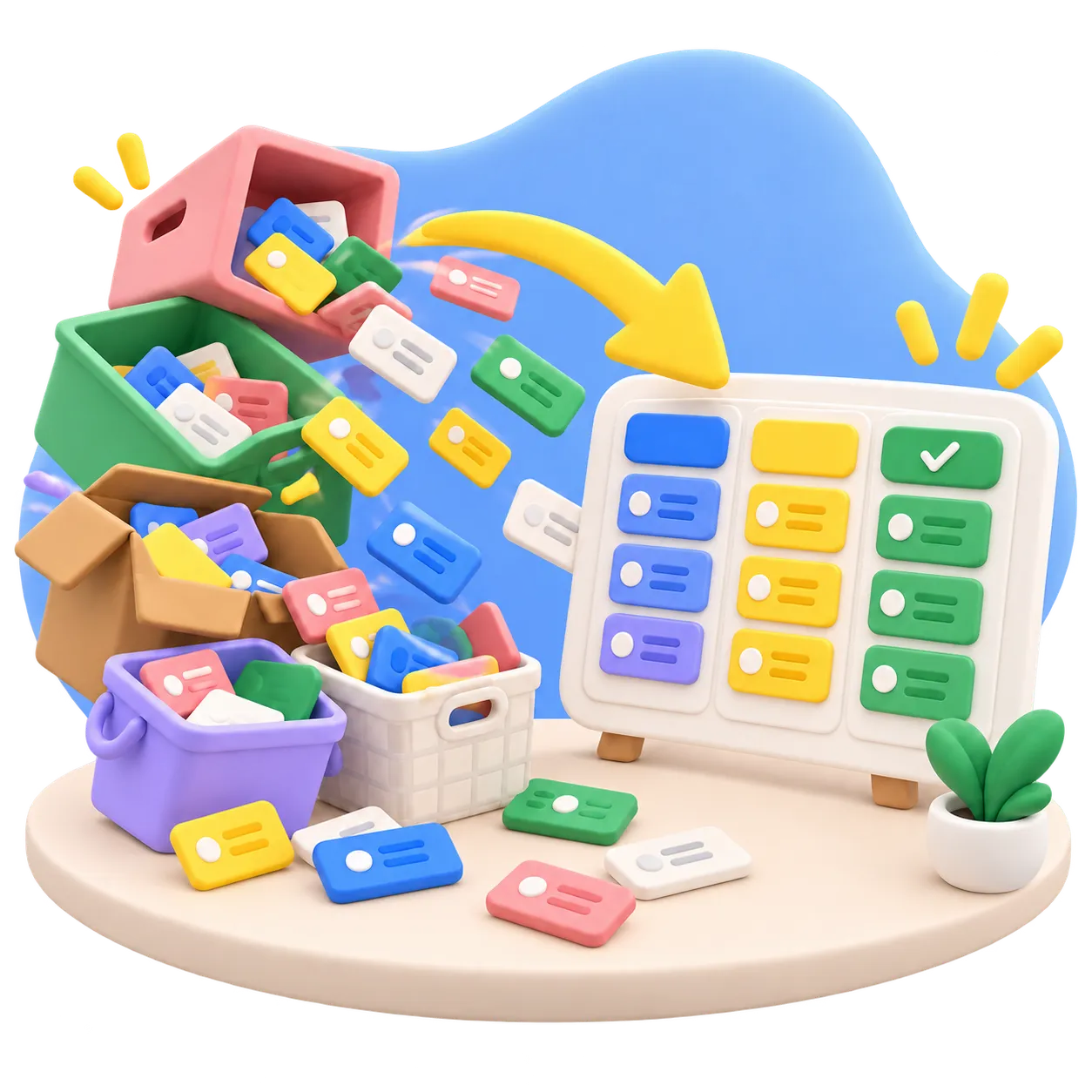
Import a project from another tool, a database, documents or notes. Bring what you already have and carry on in Manager.

Turn a game idea into a real build: design in the wiki, code, levels and art as tracked work, and agents building in parallel.

Turn scattered notes, papers, and experiments into a project that moves. Workstreams are tracked, the wiki stays current, and Manager shows you threads that went quiet before they go cold.
Upload a file once and attach it wherever it matters: the task, the wiki page, the milestone. Your team and your agents find it in the same place, previewed and ready.
Get early access