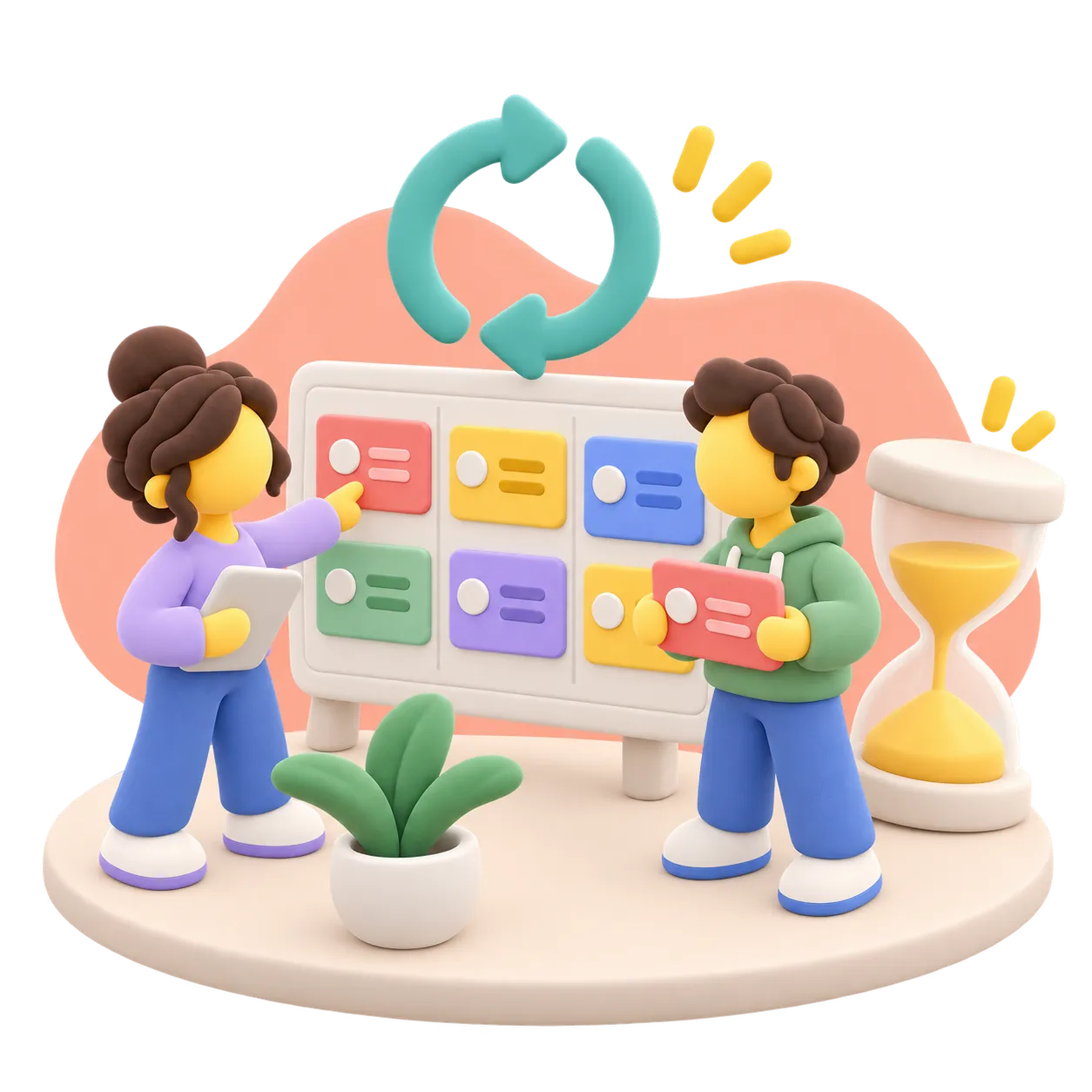
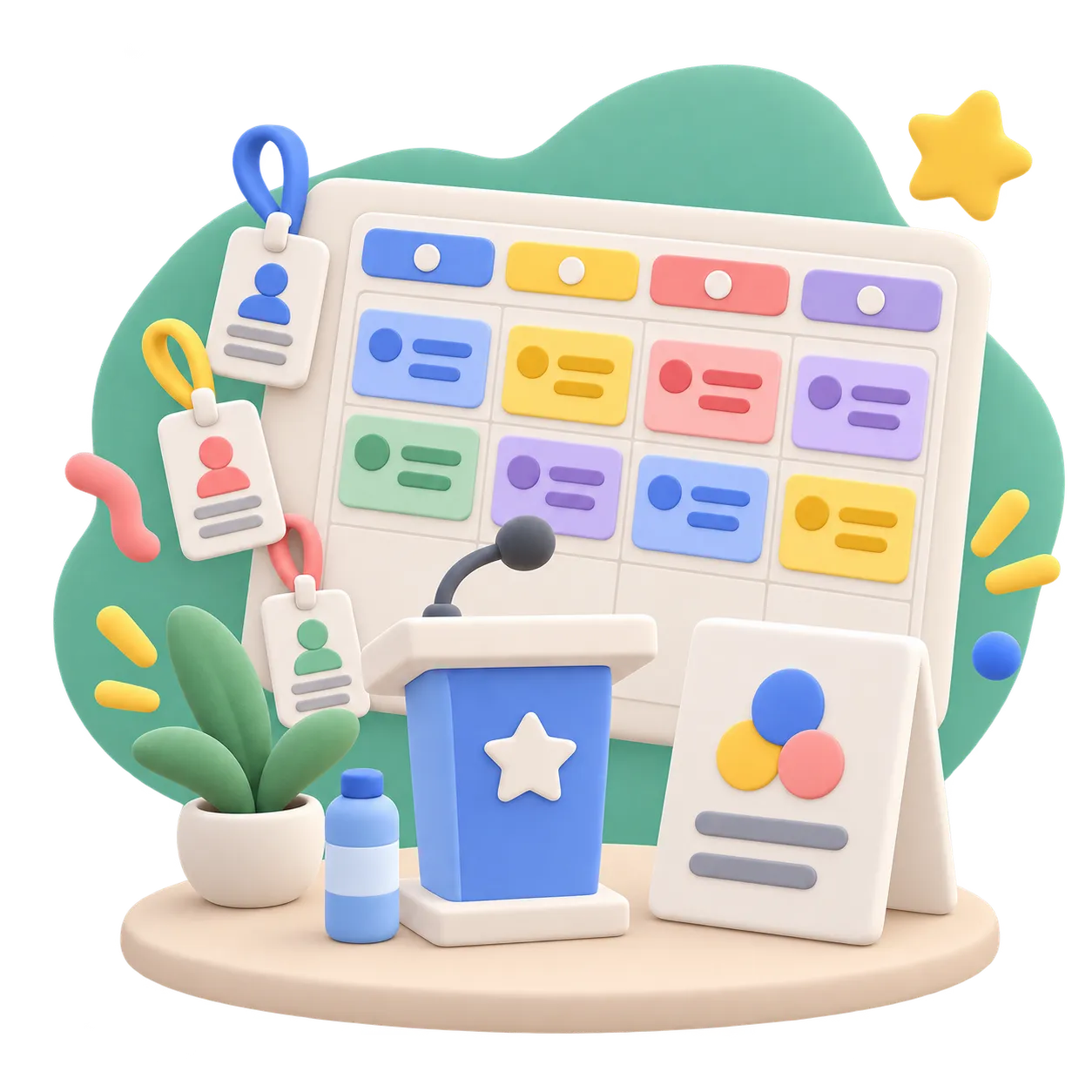
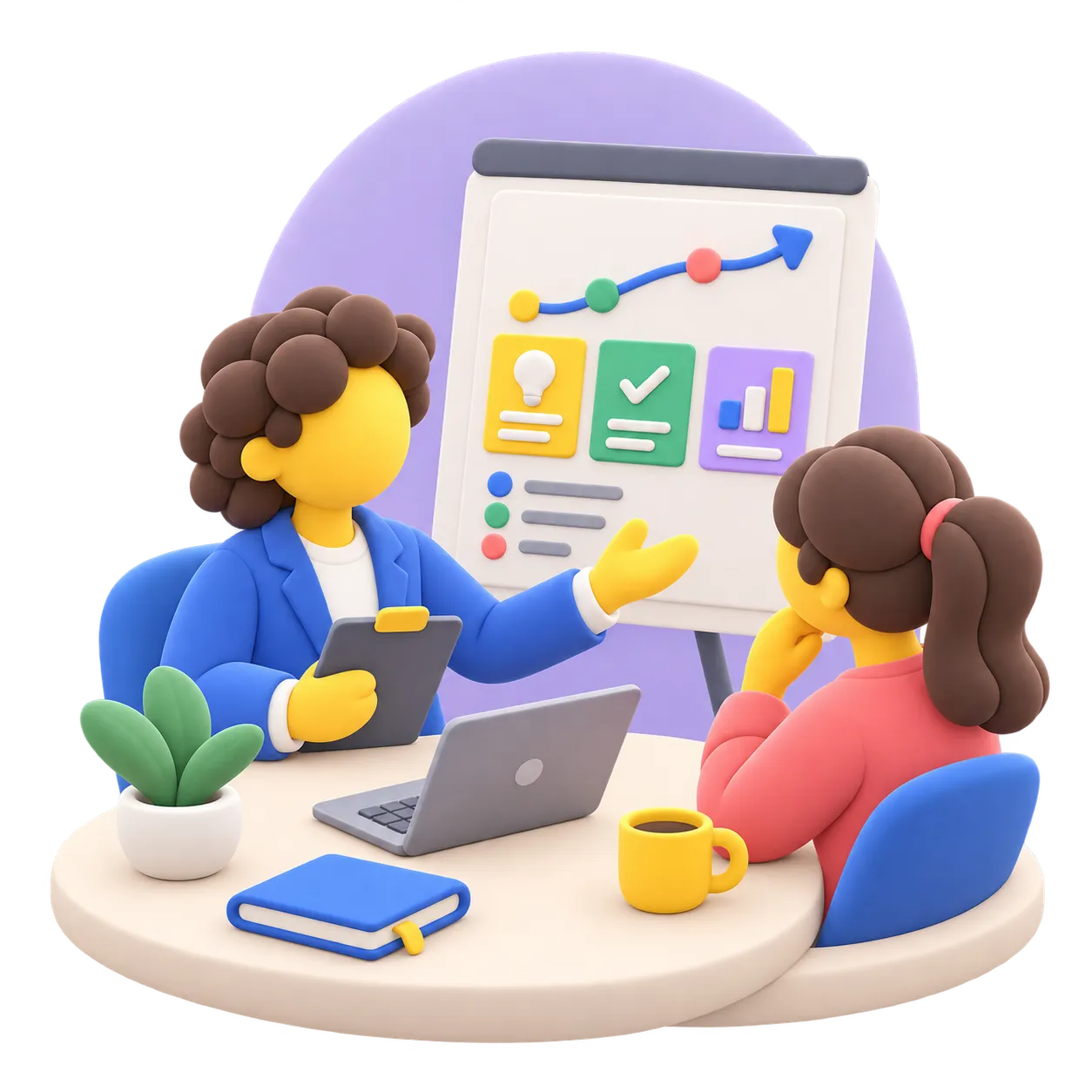
A canvas is an endless plane where everyone works together. People and agents place notes, diagrams, images and polls on it, and everyone sees each change within a second. You can give your next presentation from the same plane.
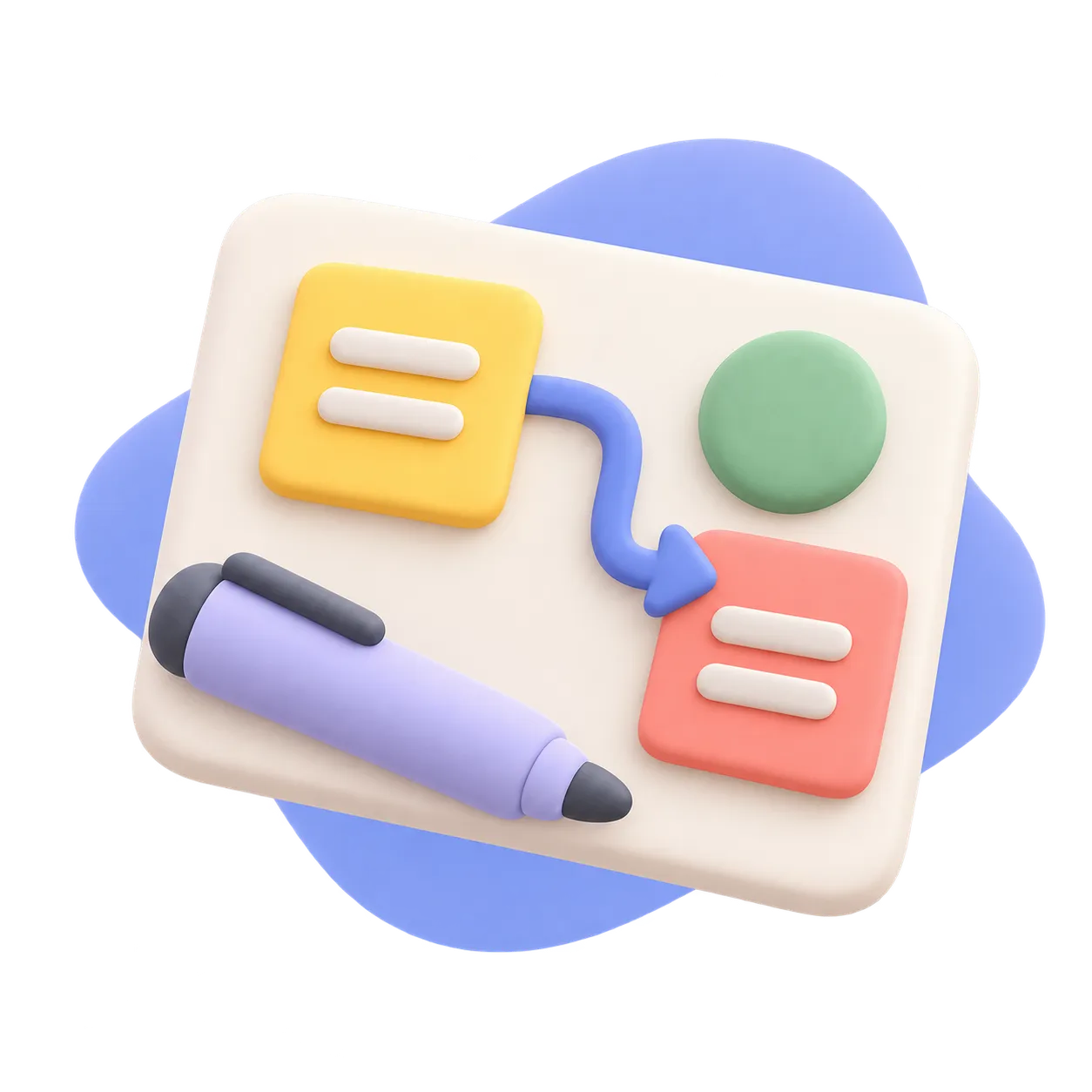
Text, sticky notes, code, Mermaid diagrams, images, shapes, emoji, link buttons, containers, polls and HTML pages. Place them anywhere, resize and turn them, and join them with arrows.
Everyone on a canvas sees the others' cursors and every change within a second. A block locks while someone edits it, so nobody overwrites anybody.
An agent places, moves and connects blocks over MCP, under the same rules as you. Its cursor travels to each block it writes, so you watch the work happen.
Mark a container as a slide and the canvas plays as a deck. The camera flies from region to region, with the rest of the plane still visible around each one.
Press Present and every camera follows yours. Select a block and everyone flies to it, while a ping or a quick reaction shows the room where to look.
Ask a question and watch the answers come in live. Allow one choice or several, and hide who voted for what when the vote should stay anonymous.
Two MCP tools give your agent the whole canvas. It reads every block first, then places, edits and connects them in batches, with positions and sizes it picks itself. A bundled skill teaches it every block type, shape and color.
Say to your agentManager: Build a canvas for the release review: the open bugs as notes on the left, a build, test, ship diagram on the right, and a labeled container around each column.
The agent reads the bugs, lays out every block at an exact position and draws both containers. You watch its cursor place them one by one.
Say to your agentManager: Turn the goals we finished this sprint into slides on a new canvas, one slide per goal.
It creates the canvas and a 16:9 slide per goal with its summary inside. Play the slides yourself, or press Present and take the team through them.
Say to your agentManager: Summarize the poll on the retro canvas and create tasks for the two ideas with the most votes.
It reads the live tally, sums up the result and files two tasks. Voting stays with people: agents read polls but never answer them.
Say to your agentManager: On the launch canvas, add the three tasks that slipped this week as notes and connect each one to the shape it blocks.
It reads the canvas first, places the notes beside the existing layout and draws an arrow from each. A block someone has open is left alone.
The full list, for when you need to know whether a canvas does what you have in mind.
Guides that put this feature to work in a real project.
Work it out on a canvas with your team and your agents, and present it from the same plane. Once there is a conclusion, write it into the wiki; the canvas stays in the project, findable by search.
Get early access